Monument runs without screen clutter
Filter presets and overlay discipline for Oil Rig, Launch Site, and high-traffic monuments—keep Rust ESP readable without drowning in labels.
7 min read
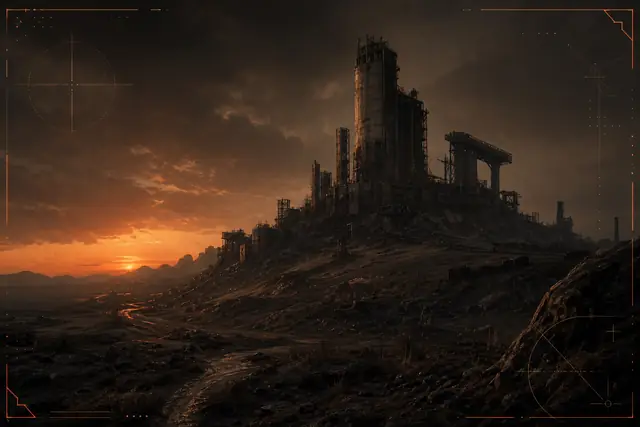
Monuments are information-dense zones. Too many overlays and your screen becomes unreadable right when you need clarity most. The fix isn’t turning everything off—it’s layering information with strict filters.
Start with a monument preset
Build a dedicated profile with:
- Player ESP limited by distance (shorter than roaming)
- Container highlights only for high-value loot tiers you actually loot
- NPC markers on if you’re learning a monument layout, off once routes are muscle memory
Save this as monument-default and clone it per monument only when needed.
Distance is your best filter
Most clutter comes from drawing entities you’ll never interact with. Tighten max render distance first before toggling features off entirely. A 80m player filter often feels cleaner than disabling team awareness altogether.
Color discipline
Use the Rust palette consistently: warm accent for threats, muted tan for resources, green only for status—not for decorative rainbow ESP. Fewer colors mean faster reads under pressure.
Audio vs visual
If you’re running sound cues for nearby players, you can reduce redundant visual pings. One strong signal beats three weak ones competing for attention.
Exit ritual
When you leave a monument, switch back to your roaming profile immediately. Staying in monument mode on the beach run home is how players get surprised—they’re still tuned for close quarters.
Clean monument play is a habit: tight filters in, full context out.
Related articles
HWID spoofer vs UGC recovery: which fits?
Compare Rust HWID Spoofer and Rust UGC for hardware bans vs account restrictions—workflows, limitations, and what neither product guarantees.
ESP, aim assist vs aimbot on Pro & Private
Compare Rust overlay ESP, aim assist, trigger assist, and full aimbot controls across Pro and Private tiers—with sensible configuration guidance.