Aim, trigger, and overlay toolkit Available

Rust Pro

A configurable Rust tier combining aim and trigger assistance with detailed player, threat, weapon, and gear overlay controls.

Overview

Built around a clear Rust workflow

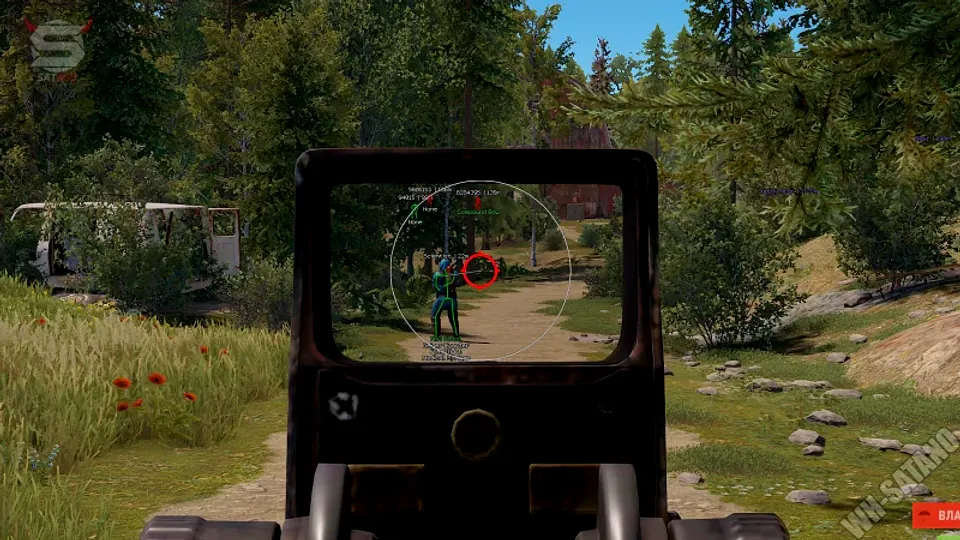
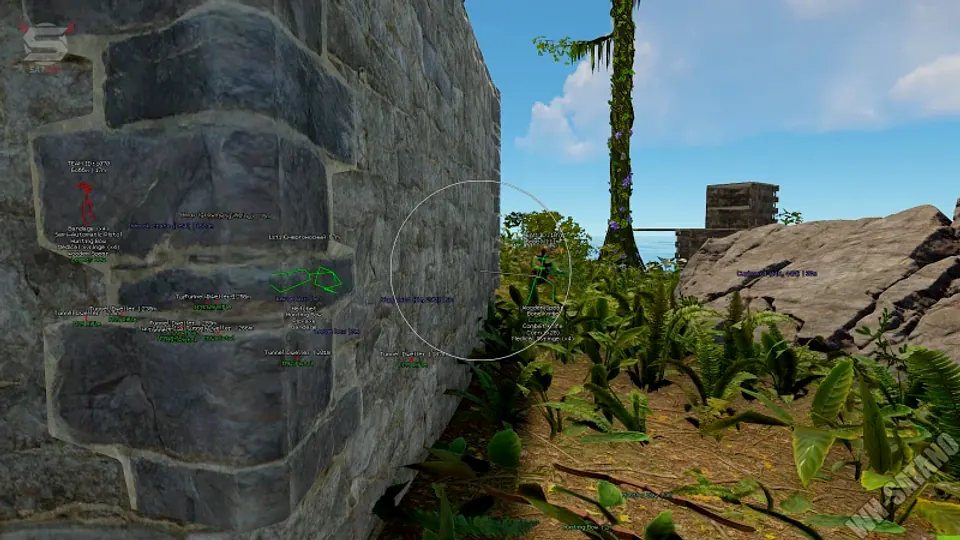
Rust Pro provides independent aim and trigger controls with configurable key binds, trigger FOV, visibility checks, and on-screen FOV feedback.

Its overlay adds names, weapons, threat levels, filled boxes, wireframe gear, hostile and sleeper filters, theme controls, Secure Boot compatibility, saved configs, and optional cloud sync.

Full catalog

Compare all Rust cheat tiers

Put Rust Pro beside every available tier to compare status and headline capabilities.

Complete feature comparison for cheat tiers. Scroll horizontally to view every item.
FeatureEssentialRust X-RayPopularRust ProLimitedRust Private
StatusAvailableAvailableLimited
Player Visibility Check
Selectable Hitbox / Bone Selection
Targeting FOV
Smooth Targeting
Enable Overlay ESP
Player Box ESP
Health Bar ESP
Distance Readout
Skeleton ESP
Head Marker ESP
Loot Value ESP
Box Type (Square, Corner, 2D, 3D)
Health Bar Position (Right, Left, Bottom, Above)
Overlay Menu
Save Configs
Cloud-Sync Option
Enable Aim Assist
Aim Key Bind
Enable Trigger Assist
Trigger Key Bind
Trigger FOV
Show Trigger FOV
Fill Box ESP
Player Name ESP
Threat Level ESP
Weapon ESP
Hostile Only Filter
Sleeper Check
Menu Theme Selector
Wireframe Gear View
Secure Boot Compatible
Enable Aimbot
Patrol Helicopter Targeting
Custom Aim Keys (2 Slots)
Selectable Hitboxes (Head, Neck, Chest, Body)
Hold Shift = Head Aim
Aim Smoothing
Custom FOV Circle
Visibility Check
Max Aim Distance
Dead Zone Control
Focus NPCs / Teams
Draw Dead Zone
Player ESP
Patrol Helicopter ESP
Team ESP
2D Box ESP
Names & Distance
Health & Armor Bars
Weapon Display
Item & Loot ESP
Max ESP Distance
2D Radar
Radar Styles (Square, Circle, Custom)
Show Players on Radar
Show Patrol Helicopter on Radar
Monument & Raid Zone ESP
Bradley APC & Patrol Helicopter ESP
Stream-Safe Mode
Remaining Duration Display
Language Switch (Chinese Supported)
Direct Support Channel

Choose the right tier

Compare access before deciding.

Review every listed capability and current status, then buy when you are ready.